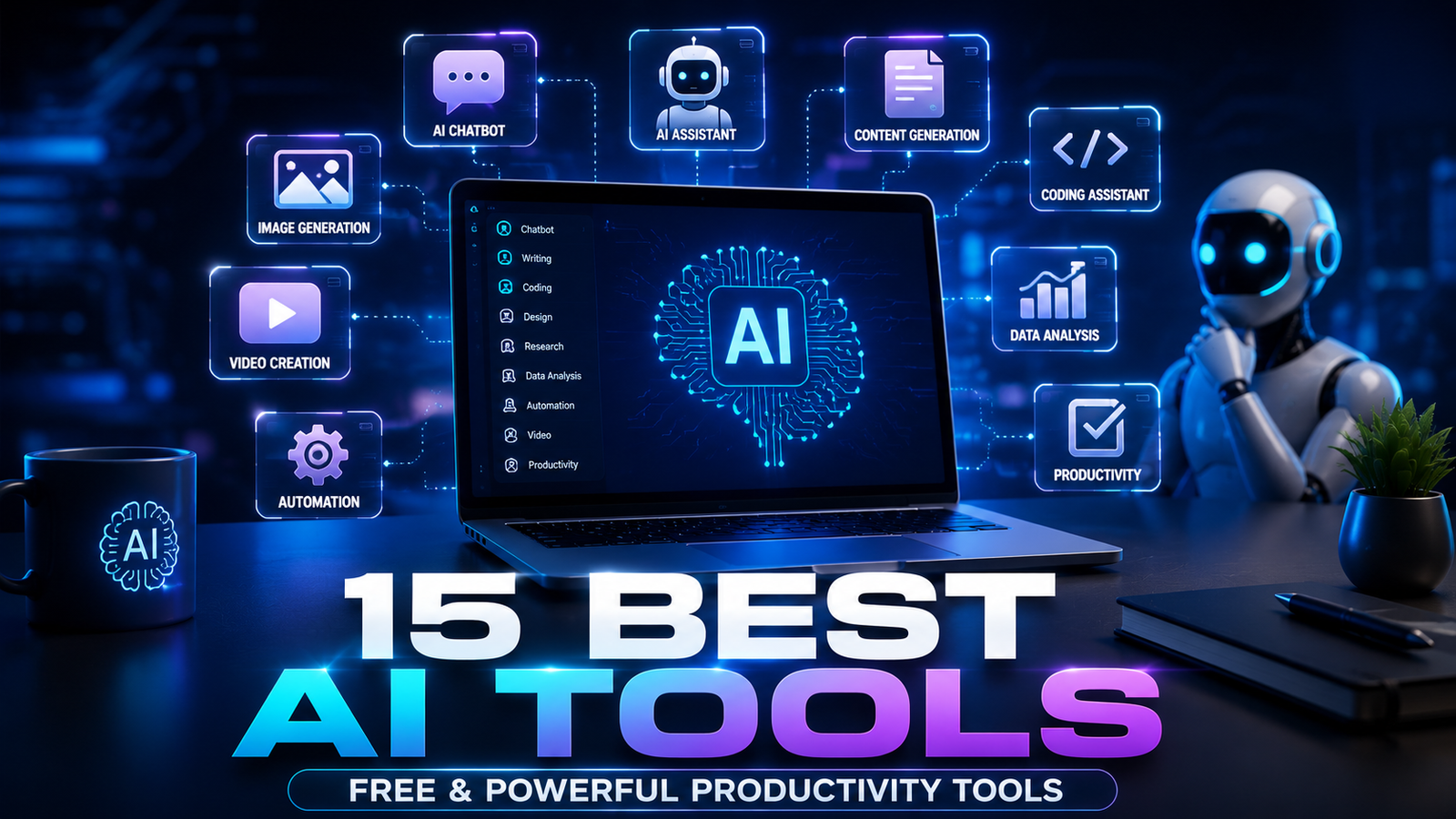
15 Best AI Tools You Should Try in 2026 — Free & Powerful AI Tools for Work and Productivity
Artificial Intelligence has become the ultimate productivity partner. Whether you’re writing articles, creating videos, coding software, designing graphics, or automating repetitive tasks, today’s AI tools can save 5–20 hours every week. The best part is that many of them offer generous free plans. Recent reviews and productivity roundups consistently rank conversational AI, automation, research, and creative tools as the biggest time-savers for knowledge workers.
In this guide, you’ll discover the 15 best AI tools of 2026, including their strengths, free availability, and who they’re best for.
The 15 Best AI Tools at a Glance
|
AI Tool |
Best For |
Free Plan |
|---|---|---|
|
ChatGPT |
Writing, coding & productivity |
✅ Yes |
|
Google Gemini |
Google Workspace |
✅ Yes |
|
Claude |
Long-form writing |
✅ Yes |
|
Perplexity AI |
Research & citations |
✅ Yes |
|
Notion AI |
Notes & project management |
✅ Limited |
|
Grammarly |
Grammar & rewriting |
✅ Yes |
|
Canva AI |
Graphic design |
✅ Yes |
|
Midjourney |
Artistic image generation |
❌ Paid |
|
Adobe Firefly |
Professional image editing |
✅ Limited |
|
Runway |
AI video editing |
✅ Limited |
|
ElevenLabs |
AI voiceovers |
✅ Yes |
|
GitHub Copilot |
Coding assistant |
✅ Limited |
|
Zapier AI |
Workflow automation |
✅ Yes |
|
Gamma |
AI presentations |
✅ Yes |
|
NotebookLM |
AI research notebook |
✅ Yes |
1. ChatGPT — The Best Overall AI Assistant

ChatGPT remains the most versatile AI assistant in 2026. It combines writing, coding, image generation, file analysis, and brainstorming into a single conversational workspace, making it a strong default choice for most knowledge workers.
Why it’s great
-
Write blog posts and emails
-
Generate and debug code
-
Analyze PDFs and spreadsheets
-
Create marketing content
-
Brainstorm business ideas
-
Generate AI images
Free plan: Yes
2. Google Gemini — Best for Google Users

Best features
-
Email drafting
-
Spreadsheet analysis
-
Document summaries
-
Google Search integration
-
Workspace automation
Perfect for: Students, professionals, and Google Workspace users.
3. Claude — Best for Long Documents

Ideal for
-
Research papers
-
Legal documents
-
Technical manuals
-
Business reports
-
Books and articles
Free plan: Yes
4. Perplexity AI — Best for Research

Best for
-
Academic research
-
Fact-checking
-
Market research
-
Learning new topics
5. Notion AI — Best for Organization

Features
-
Meeting summaries
-
Task generation
-
Project planning
-
Documentation
-
Team collaboration
6. Grammarly — Best for Better Writing

Great for
-
Emails
-
Essays
-
Reports
-
Blog posts
-
LinkedIn posts
Free plan: Yes
7. Canva AI — Best for Social Media Design

AI tools include
-
Magic Design
-
Image generation
-
Background remover
-
Presentation builder
-
Video editing
8. Midjourney — Best for Stunning AI Art

Best for
-
Book covers
-
Character art
-
Posters
-
Concept design
-
Fantasy illustrations
9. Adobe Firefly — Best for Professionals

Features
-
Generative Fill
-
Object removal
-
Image expansion
-
AI text effects
-
Background replacement
10. Runway — Best AI Video Editor

Perfect for
-
YouTube creators
-
TikTok videos
-
Marketing videos
-
Product ads
-
Short films
11. ElevenLabs — Best AI Voice Generator

Uses
-
Audiobooks
-
Podcasts
-
YouTube narration
-
E-learning
-
Voice cloning
12. GitHub Copilot — Best for Developers

Features
-
Auto-complete
-
Debugging
-
Documentation
-
Function generation
-
Code explanations
Research suggests AI coding assistants can improve developer productivity, though the gains vary by workflow and task complexity.
13. Zapier AI — Best for Automation

Automate
-
Emails
-
CRM updates
-
Social media
-
Forms
-
Calendar events
-
File management
Automation platforms remain one of the highest-impact AI categories for business productivity.
14. Gamma — Best Presentation Maker

Great for
-
Pitch decks
-
Business reports
-
School presentations
-
Marketing proposals
15. NotebookLM — Best AI Research Notebook

Features
-
Upload PDFs
-
Ask questions about documents
-
Generate summaries
-
Create study guides
-
Build knowledge bases
Which AI Tool Should You Choose?
|
If you want to… |
Use this AI tool |
|---|---|
|
Write articles |
ChatGPT |
|
Research faster |
Perplexity AI |
|
Organize projects |
Notion AI |
|
Create graphics |
Canva AI |
|
Generate artwork |
Midjourney |
|
Edit photos |
Adobe Firefly |
|
Make videos |
Runway |
|
Create voiceovers |
ElevenLabs |
|
Build presentations |
Gamma |
|
Automate workflows |
Zapier AI |
|
Code faster |
GitHub Copilot |
|
Analyze long documents |
Claude |
|
Study from PDFs |
NotebookLM |
Build Your Perfect AI Productivity Stack
Instead of relying on one tool, combine a few specialized apps:
Writing & Research
ChatGPT + Perplexity + Grammarly
Content Creation
Canva AI + Runway + ElevenLabs
Development
ChatGPT + GitHub Copilot + Claude
Business Productivity
Notion AI + Zapier + Gamma
Final Verdict
If you only install three AI tools in 2026, make them these:
-
🏆 ChatGPT — Best all-around AI assistant
-
🔍 Perplexity AI — Fastest research with citations
-
🎨 Canva AI — Easiest design tool for creators
Together, they cover writing, research, design, brainstorming, and everyday productivity—making them an excellent foundation for almost any workflow.