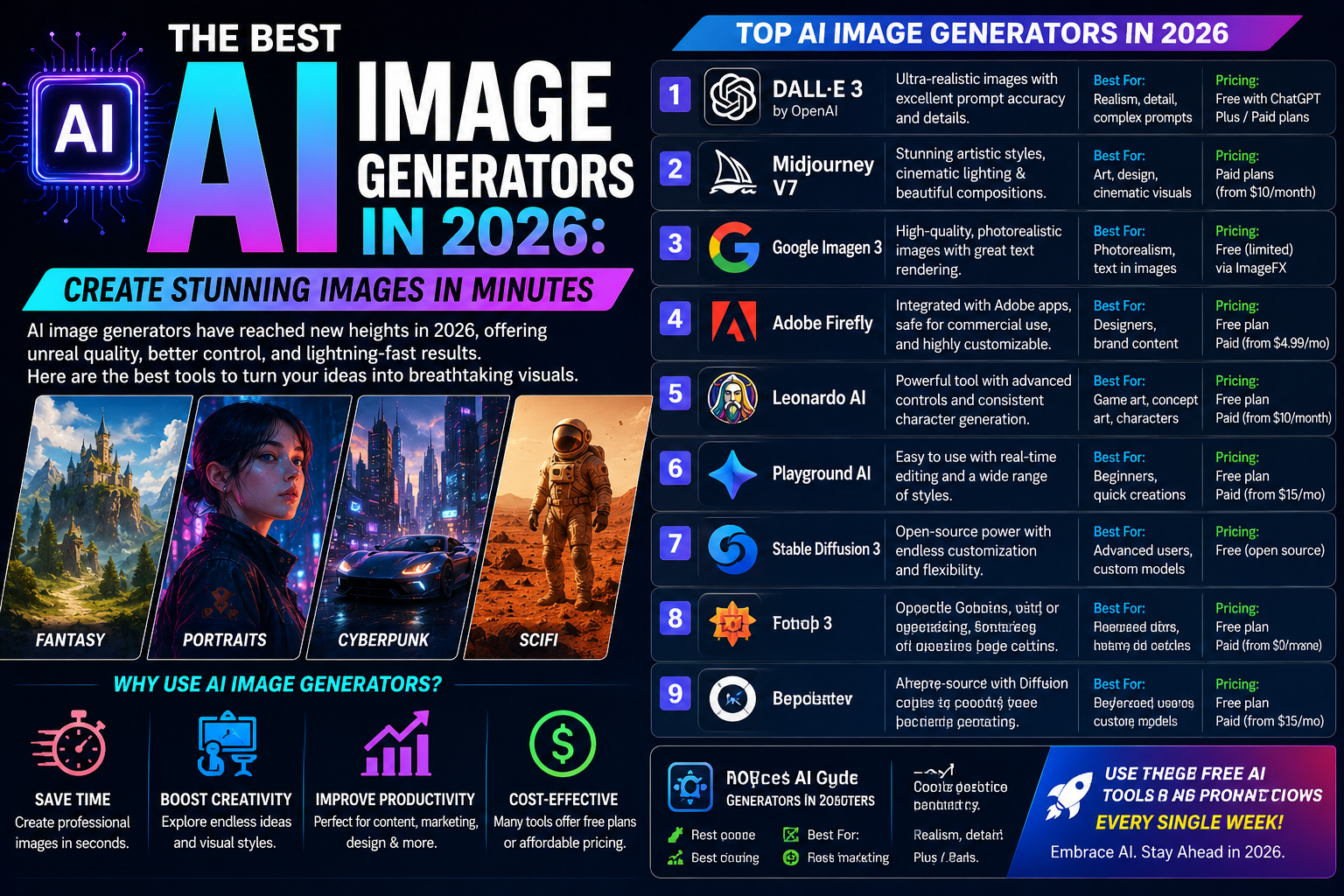
The Best AI Image Generators in 2026: Create Stunning Images in Minutes
Artificial Intelligence has revolutionized digital art and graphic design. In 2026, AI image generators can create breathtaking artwork, realistic photos, logos, product mockups, illustrations, and social media graphics from simple text prompts—all in just a few minutes.
Whether you’re a blogger, marketer, designer, content creator, or business owner, the right AI image generator can save time, reduce design costs, and unlock endless creative possibilities.
In this guide, we’ll compare the best AI image generators in 2026, highlighting their features, strengths, pricing, and ideal use cases.
Why Use AI Image Generators?
AI image tools help you:
- Create professional-quality images in seconds
- Design social media graphics
- Generate blog featured images
- Make YouTube thumbnails
- Produce marketing materials
- Create product mockups
- Design logos and branding concepts
- Generate digital artwork and illustrations
Instead of spending hours designing from scratch, AI can generate multiple creative variations almost instantly.
1. ChatGPT Image Generation
Best For: All-purpose image creation and editing
ChatGPT combines conversational prompting with advanced image generation, making it easy to create and refine visuals through natural language.
Key Features
- Text-to-image generation
- Image editing and enhancement
- Background replacement
- Style transformations
- Logo and icon concepts
- Marketing graphics
- Social media visuals
Pros
- Easy conversational workflow
- High-quality, detailed images
- Strong editing capabilities
- Great for beginners and professionals
Best For
- Bloggers
- Content creators
- Small businesses
- Social media managers
- Designers
2. Midjourney
Best For: Artistic and cinematic images
Midjourney is renowned for producing highly stylized, imaginative, and visually striking artwork.
Features
- Digital paintings
- Fantasy art
- Concept designs
- Character illustrations
- Book covers
- Cinematic scenes
Pros
- Exceptional artistic quality
- Rich lighting and textures
- Highly creative outputs
Best For
- Artists
- Illustrators
- Game designers
- Authors
3. Adobe Firefly
Best For: Professional creative workflows
Adobe Firefly integrates AI directly into Creative Cloud applications such as Photoshop and Illustrator.
Features
- Generative Fill
- Text-to-image
- Object removal
- Background replacement
- Image expansion
- AI text effects
Pros
- Seamless Adobe integration
- Professional editing tools
- Commercial-friendly workflows
Best For
- Graphic designers
- Marketing teams
- Creative agencies
- Photographers
4. Google Imagen
Best For: Photorealistic image generation
Google Imagen excels at producing realistic images with accurate lighting, textures, and object details.
Features
- High-quality photo generation
- Realistic portraits
- Product photography
- Landscapes
- Advertising visuals
Pros
- Excellent realism
- Strong prompt understanding
- Clean compositions
Best For
- Businesses
- Advertisers
- Bloggers
- Marketing professionals
5. Canva AI
Best For: Social media graphics
Canva AI combines image generation with an easy-to-use design platform.
Features
- AI image creation
- Magic Design
- Templates
- Background removal
- Presentation design
- Social media posts
Pros
- Beginner-friendly
- Fast editing
- Thousands of templates
Best For
- Small businesses
- Influencers
- Students
- Content creators
6. Leonardo AI
Best For: Game assets and illustrations
Leonardo AI is popular among creators who need detailed concept art and creative assets.
Features
- Character design
- Fantasy artwork
- Game environments
- Asset generation
- Style customization
Pros
- Excellent artistic control
- High-quality illustrations
- Community models
Best For
- Game developers
- Illustrators
- Digital artists
7. Ideogram
Best For: Images with readable text
Ideogram stands out for generating visuals that include clear, accurate typography.
Features
- Posters
- Logos
- Advertisements
- Quotes
- Product branding
- Social media banners
Pros
- Strong text rendering
- Great branding support
- Clean layouts
Best For
- Marketing teams
- Entrepreneurs
- Print design
8. Stable Diffusion
Best For: Customization and open-source workflows
Stable Diffusion is an open-source image generation model that gives advanced users extensive control.
Features
- Text-to-image
- Image-to-image
- Inpainting
- Fine-tuning
- Local installation
- Custom models
Pros
- Highly customizable
- Large community support
- Flexible deployment
Best For
- Developers
- Researchers
- Advanced users
Comparison Table
| AI Image Generator | Best For | Free Plan |
|---|---|---|
| ChatGPT | General image creation & editing | ✅ Limited |
| Midjourney | Artistic images | ❌ Paid |
| Adobe Firefly | Professional design | ✅ Limited |
| Google Imagen | Photorealistic images | ✅ Limited (availability may vary) |
| Canva AI | Social media graphics | ✅ Yes |
| Leonardo AI | Illustrations & game art | ✅ Yes |
| Ideogram | Text-based designs | ✅ Yes |
| Stable Diffusion | Open-source customization | ✅ Yes |
Which AI Image Generator Should You Choose?
Choose ChatGPT if you:
- Want an easy, conversational workflow
- Need image creation and editing in one place
- Create blog graphics, thumbnails, or marketing visuals
Choose Midjourney if you:
- Love artistic, cinematic, or fantasy-style images
- Create concept art or illustrations
Choose Adobe Firefly if you:
- Already use Photoshop or Illustrator
- Need professional editing tools
Choose Google Imagen if you:
- Want realistic photos and product images
Choose Canva AI if you:
- Design social media posts, presentations, and marketing materials
Choose Leonardo AI if you:
- Create game assets, characters, or concept art
Choose Ideogram if you:
- Need posters, logos, or graphics with readable text
Choose Stable Diffusion if you:
- Prefer open-source software and advanced customization
Tips for Creating Better AI Images
To get the best results:
- Be specific with your prompts.
- Describe the subject, background, lighting, colors, and camera angle.
- Mention the desired art style (photorealistic, watercolor, anime, cinematic, etc.).
- Specify aspect ratios such as 16:9, 1:1, or 9:16 when needed.
- Refine your prompts through multiple iterations for improved results.
Frequently Asked Questions
Which AI image generator is best overall in 2026?
ChatGPT is an excellent all-around choice for image generation and editing, while Midjourney is favored for artistic creations and Adobe Firefly for professional creative workflows.
Which AI tool creates the most realistic images?
Google Imagen and ChatGPT are strong choices for photorealistic images, especially when detailed prompts are used.
Which AI image generator is best for beginners?
Canva AI and ChatGPT are particularly beginner-friendly thanks to their intuitive interfaces and simple prompting process.
Can I use AI-generated images commercially?
Commercial usage rights vary by platform and subscription plan. Always review the licensing terms of the specific service before using AI-generated images for commercial projects.
Are free AI image generators good enough?
Yes. Many platforms offer capable free tiers for personal projects and experimentation, although they may include usage limits, watermarks, or reduced feature sets.
Final Thoughts
AI image generators have become indispensable tools for creators, marketers, businesses, and designers. Whether you need eye-catching blog graphics, realistic product photos, cinematic artwork, or engaging social media visuals, there’s an AI platform suited to your needs.
For most users, ChatGPT offers one of the most balanced experiences by combining high-quality image generation with natural-language editing and refinement. If your focus is artistic creativity, Midjourney excels, while Adobe Firefly shines in professional design environments. Choosing the right tool depends on your workflow, budget, and creative goals—but any of these platforms can help you create stunning images in minutes.