Windows 11 August 2026 Update: New Features, Security Fixes and Everything You Need to Know
Last Updated: August 19, 2026
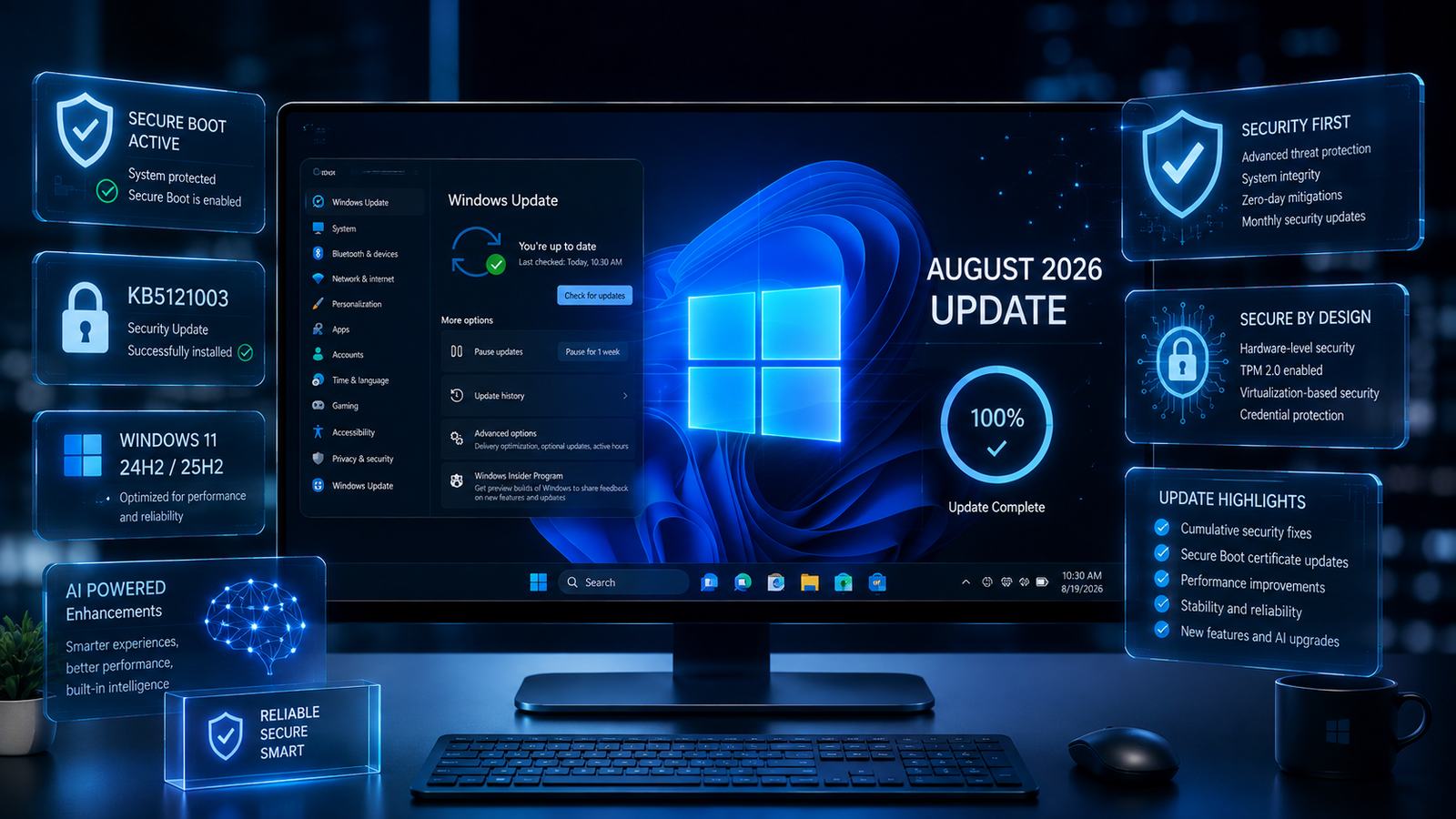
Microsoft has released its August 2026 security update for Windows 11, bringing important security improvements, Secure Boot changes, system reliability updates, AI component updates for supported Copilot+ PCs, and several changes to the Windows user experience.
For most users running Windows 11 version 24H2 or 25H2, the main August 2026 update is KB5121003, which updates the operating system to builds 26100.9168 for version 24H2 and 26200.9168 for version 25H2. Microsoft released the update on August 11, 2026, and later updated its release notes on August 17 with an additional change concerning the removal of the Drop Tray experience.
Windows 11 version 26H1 also received a separate August 2026 cumulative update, KB5121000, which includes security fixes, TPM reporting improvements, Secure Boot certificate targeting improvements, AI component updates and other quality improvements.
In this guide, we’ll explain everything Windows 11 users need to know about the August 2026 update, including what’s new, security improvements, Secure Boot changes, supported versions, how to install the update, possible issues, and what you should do after updating.
Windows 11 August 2026 Update at a Glance
Here are the most important details:
| Windows 11 Version | August 2026 Update | New OS Build |
|---|---|---|
| Windows 11 25H2 | KB5121003 | 26200.9168 |
| Windows 11 24H2 | KB5121003 | 26100.9168 |
| Windows 11 26H1 | KB5121000 | 28000.2704 |
The August 2026 update is primarily a security and quality update, rather than a major feature release. Microsoft says KB5121003 includes security improvements and improvements carried forward from previous July updates and the July 28 preview update.
That means users should not expect a completely redesigned Windows interface. Instead, the focus is on security, servicing reliability, Secure Boot certificate deployment and smaller changes to existing Windows experiences.
What Is the Windows 11 August 2026 Update?
The Windows 11 August 2026 update is Microsoft’s regular monthly cumulative update for supported versions of Windows 11.
For Windows 11 24H2 and 25H2, Microsoft released KB5121003 on August 11, 2026. The package includes the latest security improvements as well as previously released quality improvements.
Cumulative updates are important because you generally don’t need to install every previous monthly update individually. If your PC is already up to date, Windows Update normally downloads only the components you don’t already have.
Microsoft distributes the update through Windows Update, Windows Update for Business, WSUS and the Microsoft Update Catalog.
For most home users, Windows Update is the easiest and safest installation method.
What’s New in Windows 11 August 2026 Update?
The August update isn’t designed as a huge feature overhaul. Instead, Microsoft has concentrated on security, reliability and system maintenance.
The most notable changes include:
- New security improvements
- Expanded Secure Boot certificate targeting
- Removal of the Drop Tray experience
- Updated AI components for compatible Copilot+ PCs
- Servicing Stack improvements
- Better update installation reliability
- Security-related improvements inherited from previous updates
- Continued preparation for Secure Boot certificate changes
Let’s look at each change in more detail.
1. Important Security Improvements
Security is the biggest reason to install the August 2026 Windows 11 update.
Microsoft identifies KB5121003 as a security update and recommends keeping supported Windows devices updated. The update addresses security issues documented through Microsoft’s Security Update Guide.
Security updates can protect your PC against vulnerabilities affecting Windows components, system services and other parts of the operating system.
Even if your computer appears to work perfectly, skipping security updates can leave known vulnerabilities unpatched.
For this reason, Windows 11 users should generally install the August 2026 update rather than delaying it unnecessarily.
For official security information, users can consult Microsoft’s security documentation and Windows release health resources:
Microsoft Windows Release Health
2. Secure Boot Certificate Updates
One of the most important background changes in 2026 involves Secure Boot certificates.
Microsoft has been working on replacing older Secure Boot certificates because certificates used by many Windows devices were scheduled to begin expiring in June 2026.
The August 2026 update includes additional high-confidence device-targeting data designed to increase the number of eligible devices that can automatically receive updated Secure Boot certificates through Windows Update.
Why does Secure Boot matter?
Secure Boot is a security feature designed to help prevent unauthorized software from loading during the boot process.
In simple terms, Secure Boot helps Windows verify that trusted boot software is being used before the operating system starts.
Certificate expiration does not mean that a computer suddenly stops working. Microsoft states that devices that have not yet received the newer certificates will continue to start normally, and standard Windows updates will continue to install.
However, Microsoft is continuing to distribute the updated certificates through Windows Update.
This makes keeping Windows fully updated particularly important during 2026.
3. Drop Tray Is Being Removed
One of the most visible user-facing changes in the August update is the removal of the Drop Tray experience, previously known as Drag Tray, on devices where it was available.
Microsoft added this change to the release notes on August 17, 2026. The associated setting under:
Settings > System > Multitasking
is also removed.
Microsoft says it is continuing to evaluate the experience and explore future improvements.
If you used the Drop Tray feature before the August update, don’t be surprised if you can no longer find it after installing KB5121003.
This is not a problem with your PC and does not mean Windows Update failed.
It is an intentional product change.
4. AI Components Receive Updates
The August 2026 update also updates several Windows AI components to version 1.2605.856.0.
Microsoft lists these components as:
- Image Search
- Content Extraction
- Semantic Analysis
- Settings Model
However, there is an important limitation.
These AI component updates apply to Windows Copilot+ PCs. Microsoft specifically notes that the AI components included in the update do not install on standard Windows PCs or Windows Server devices when the required Copilot+ hardware is not present.
Therefore, regular Windows 11 users should not expect new AI features simply because they installed KB5121003.
AI feature availability depends on the hardware and Windows configuration.
5. Servicing Stack Improvements
KB5121003 also includes a Servicing Stack Update.
For Windows 11 24H2/25H2, Microsoft lists KB5123304, with build 26100.9156, as part of the servicing components associated with the update. Microsoft says the servicing stack improvements help improve the reliability of the Windows update installation process.
The servicing stack is an important but mostly invisible part of Windows.
It helps Windows install, manage and service operating system updates.
When Microsoft improves the servicing stack, it can make future updates easier and more reliable to install.
Windows 11 26H1 August 2026 Update
Windows 11 26H1 has a separate August 2026 update called KB5121000.
This update brings the operating system to build 28000.2704.
Microsoft says KB5121000 includes security fixes and improvements from earlier July releases and the July 28 preview update.
Several improvements are particularly noteworthy.
TPM Maintenance Reporting
The update improves TPM maintenance reporting by ensuring that the EK certificate status is reported accurately.
TPM, or Trusted Platform Module, is a hardware-based security technology used by modern Windows PCs.
Accurate TPM reporting can help Windows and administrators better understand the security state of compatible devices.
Secure Boot Improvements
KB5121000 also includes additional high-confidence device-targeting data to increase coverage of devices eligible for automatic Secure Boot certificate updates.
AI Component Updates
The same AI component version, 1.2605.856.0, is included for supported Copilot+ PCs.
How to Check Which Windows 11 Version You Have
Before checking whether you received the August 2026 update, it’s useful to know which Windows version is installed on your computer.
Method 1: Using Settings
- Open Settings.
- Select System.
- Click About.
- Scroll down to Windows specifications.
- Look for your Windows version and OS build.
You can compare the information with the August 2026 builds.
For Windows 11 24H2, the August update brings the build to 26100.9168.
For Windows 11 25H2, it brings the build to 26200.9168.
For Windows 11 26H1, the August update brings the build to 28000.2704.
Method 2: Use Winver
Press:
Windows Key + R
Type:
winver
Then press Enter.
A window will show your Windows version and OS build.
How to Install the Windows 11 August 2026 Update
For most users, the recommended method is Windows Update.
Step 1
Open:
Settings > Windows Update
Step 2
Click:
Check for updates
Step 3
If KB5121003 is available, allow Windows to download and install it.
Step 4
Restart your PC if Windows asks you to do so.
Step 5
After restarting, return to:
Settings > Windows Update > Update history
and confirm that the August 2026 cumulative update has been installed.
Microsoft confirms that KB5121003 is available through Windows Update and Microsoft Update, as well as Windows Update for Business and other enterprise deployment channels.
Can You Download KB5121003 Manually?
Yes.
Microsoft also makes the update available through the Microsoft Update Catalog.
This is mainly useful for advanced users, IT administrators and situations where Windows Update is not working correctly.
When downloading manually, make sure you select the package that matches your Windows version and processor architecture, such as x64 or ARM64.
For normal home users, manually installing a cumulative update is usually unnecessary unless Windows Update is unable to install it.
Should You Install the August 2026 Update?
Yes, in most cases.
The August 2026 update contains security improvements, Secure Boot-related changes and quality improvements.
Microsoft currently reports no known issues for KB5121003.
That doesn’t mean every PC in the world will behave identically after an update. Windows systems vary widely because of different hardware, drivers, applications, security software and custom configurations.
Before installing a major cumulative update, it’s still sensible to:
- Save important work.
- Back up critical files.
- Make sure your laptop is connected to power.
- Close running applications.
- Allow Windows enough time to complete the installation.
- Avoid forcing a shutdown during the update.
What If Windows 11 August Update Won’t Install?
If KB5121003 fails to install, don’t immediately assume that Windows is broken.
Try these basic troubleshooting steps.
Restart Your PC
A simple restart can clear temporary update processes and allow Windows Update to retry.
Check Your Internet Connection
Windows Update requires a stable internet connection when downloading updates.
Free Up Disk Space
Insufficient storage can prevent updates from downloading or installing correctly.
Remove unnecessary temporary files and make sure your system drive has enough free space.
Run Windows Update Troubleshooter
Open:
Settings > System > Troubleshoot > Other troubleshooters
Then look for the Windows Update troubleshooter.
Try Windows Update Again
Return to:
Settings > Windows Update
and select Check for updates.
Use Microsoft Update Catalog
If Windows Update repeatedly fails, advanced users can use the Microsoft Update Catalog to obtain the appropriate standalone package.
Windows 11 24H2 Support Is an Important Consideration
There is another important Windows 11 issue users should know about in 2026.
Microsoft states that Windows 11 version 24H2 Home and Pro editions will reach end of updates on October 13, 2026. After that date, those editions will no longer receive the normal fixes, monthly security updates and other supported update protections. Enterprise and Education editions have a later support date of October 12, 2027.
This means users running Windows 11 24H2 Home or Pro should start paying attention to their upgrade path.
If your PC is eligible for a newer supported Windows 11 release, upgrading before the end-of-support deadline is generally the safer approach.
Microsoft’s Windows release health dashboard provides current information about supported Windows releases, known issues and servicing milestones.
Windows Release Health — Microsoft Learn
Is the August 2026 Update a Major Feature Update?
No.
This distinction is important.
The August 2026 update should be viewed primarily as a monthly cumulative security and quality update, not a major Windows redesign.
The biggest changes are related to:
- Security
- Secure Boot certificate deployment
- Reliability
- Servicing
- AI component updates on compatible Copilot+ PCs
- Removal of the Drop Tray experience
Microsoft’s monthly servicing model means that features can arrive through different update channels and rollout phases rather than appearing in one giant annual update.
Windows 11 24H2 documentation, for example, describes Windows as a continuously serviced operating system where features and improvements are delivered over time.
August 2026 Update vs July 2026 Update
The July 2026 updates provided several important improvements that are carried into the August cumulative update.
The July 14 update included security hardening changes, an updated curl component and improvements related to Remote Desktop certificate handling.
The July 28 preview update also included reliability improvements involving File Explorer, sign-in and lock screens, Start menu, taskbar, clipboard and other Windows components.
Because cumulative updates include previous improvements that you may not already have installed, the August update can contain more than just changes introduced during August.
Important Tips Before Installing the Update
Although Microsoft currently reports no known issues for KB5121003, good update habits are still important.
Back Up Important Data
Keep copies of important documents, photos, projects and other valuable files.
Don’t Interrupt the Installation
If Windows is installing an update, don’t turn off your computer unless absolutely necessary.
Keep Laptop Connected to Power
A laptop losing power during an operating system update can create unnecessary recovery problems.
Check Your Windows Version
Knowing whether you’re running 24H2, 25H2 or 26H1 makes troubleshooting easier.
Keep Drivers Updated
If you experience a hardware problem after updating Windows, check the manufacturer’s official driver support page.
Avoid Random Update Downloads
Do not download Windows updates from unknown third-party websites.
Use Windows Update or Microsoft’s official download resources whenever possible.
Frequently Asked Questions
What is the Windows 11 August 2026 update?
For Windows 11 24H2 and 25H2, the primary August 2026 cumulative update is KB5121003. It includes security improvements, Secure Boot changes, quality improvements and AI component updates for compatible Copilot+ PCs.
What build is Windows 11 25H2 after the August 2026 update?
Windows 11 25H2 reaches OS Build 26200.9168 after KB5121003.
What build is Windows 11 24H2 after the August 2026 update?
Windows 11 24H2 reaches OS Build 26100.9168 after KB5121003.
What is KB5121000?
KB5121000 is the August 11, 2026 cumulative update for Windows 11 version 26H1. It updates the OS to build 28000.2704.
Does the August update add major new Windows features?
Not really. The August 2026 release is primarily focused on security, quality, servicing and reliability rather than a major user-interface redesign.
Is the August 2026 Windows 11 update safe to install?
Microsoft currently lists no known issues for KB5121003. As with any operating system update, users should maintain backups and install updates through official Microsoft channels.
What happened to Drop Tray?
Microsoft removed the Drop Tray experience, previously called Drag Tray, from devices where it was available. The related setting under Settings > System > Multitasking was also removed.
Do all Windows 11 PCs receive the AI component updates?
No. Microsoft states that these AI components are applicable to Copilot+ PCs and won’t install on ordinary Windows PCs or Windows Server systems that don’t meet the applicable requirements.
Should Windows 11 24H2 users upgrade?
Users on Windows 11 24H2 Home or Pro should be aware that Microsoft has scheduled the end of updates for October 13, 2026. Planning an upgrade to a supported Windows 11 release is therefore important.
Final Verdict
The Windows 11 August 2026 Update isn’t a dramatic visual transformation, but it is an important maintenance release that Windows 11 users should not ignore.
For Windows 11 24H2 and 25H2, KB5121003 delivers security improvements, additional Secure Boot certificate targeting, updated AI components for eligible Copilot+ PCs, servicing improvements and the removal of the Drop Tray experience.
Windows 11 26H1 receives the separate KB5121000 update with security improvements, TPM maintenance reporting changes, Secure Boot improvements, AI component updates and servicing enhancements.
The biggest takeaway is simple: keep Windows updated, don’t ignore Secure Boot certificate changes, and pay attention to the October 2026 end-of-support date for Windows 11 24H2 Home and Pro.
For the latest Windows release information and known issues, always check Microsoft’s official Windows Release Health documentation before making major deployment decisions.
Official Microsoft Windows Release Health
Use your existing relevant FixOps articles naturally inside the article. Recommended anchor-text opportunities include:
- Windows 11 problems and fixes
- How to fix Windows Update problems
- How to speed up a slow PC
- How to fix Windows 11 boot problems
- Windows 11 BSOD troubleshooting
- Laptop overheating fixes
- Best AI tools in 2026
Quick Update Checklist
- Check your Windows 11 version.
- Open Windows Update.
- Install KB5121003 if you’re on 24H2 or 25H2.
- Restart your computer when requested.
- Verify the new OS build.
- Check Update History.
- Keep important files backed up.
- Don’t download Windows updates from unofficial websites.
- Monitor Secure Boot certificate updates.
- If you’re on Windows 11 24H2 Home or Pro, plan for the October 13, 2026 end-of-updates date.